Privacy first
Voice dictation without the weird stuff.
All transcriptions (raw and processed), prompts, and usage are only ever stored on your device locally. Confer's servers never store data.
Turn speech into clean and structured text with powerful, privacy-first features that keep you focused.
Notes
File
Edit
Format
Thu Mar 12 01:37 AM
Post-processing, convenient shortcuts, and history designed to make voice a natural part of how you work.
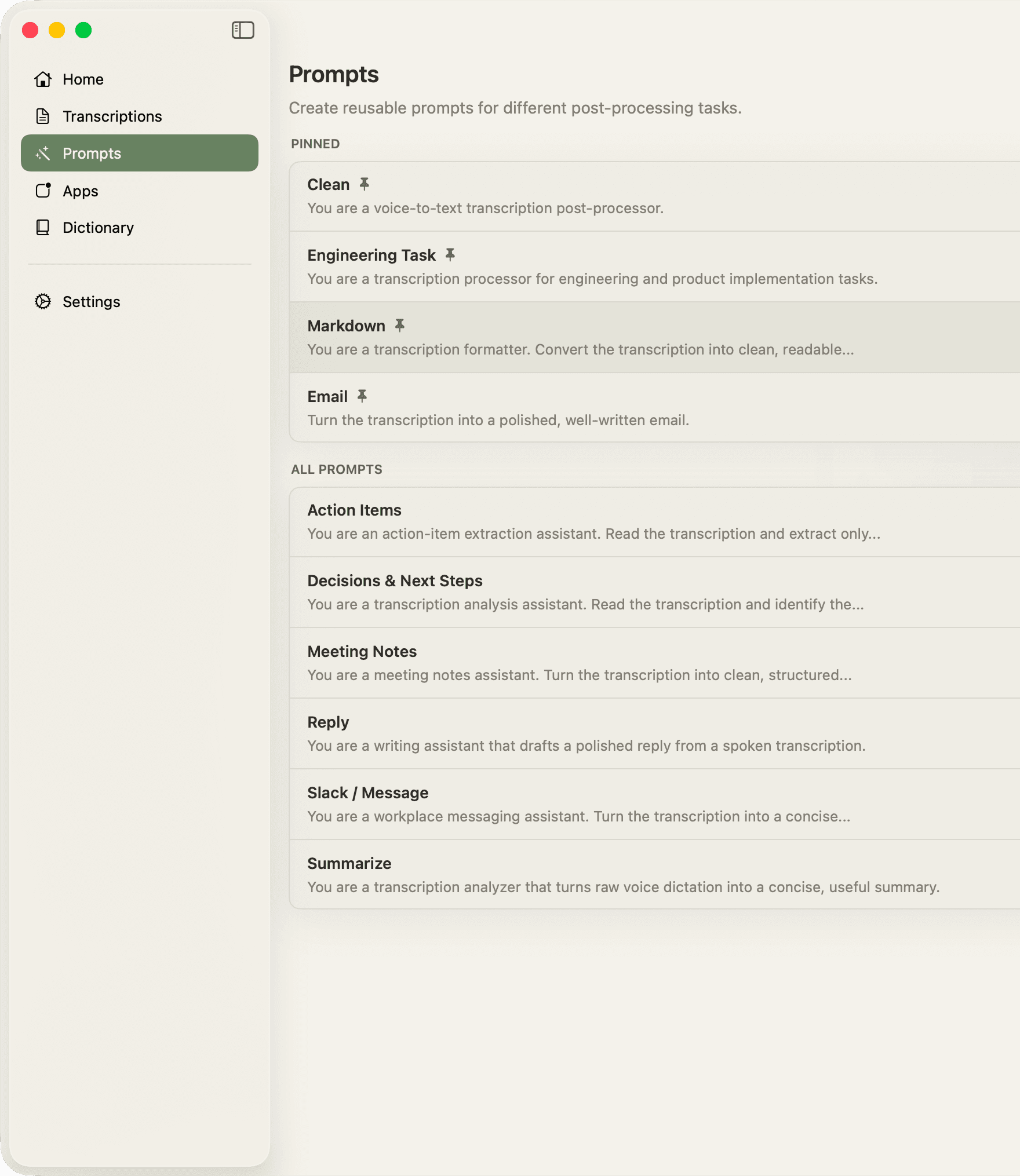
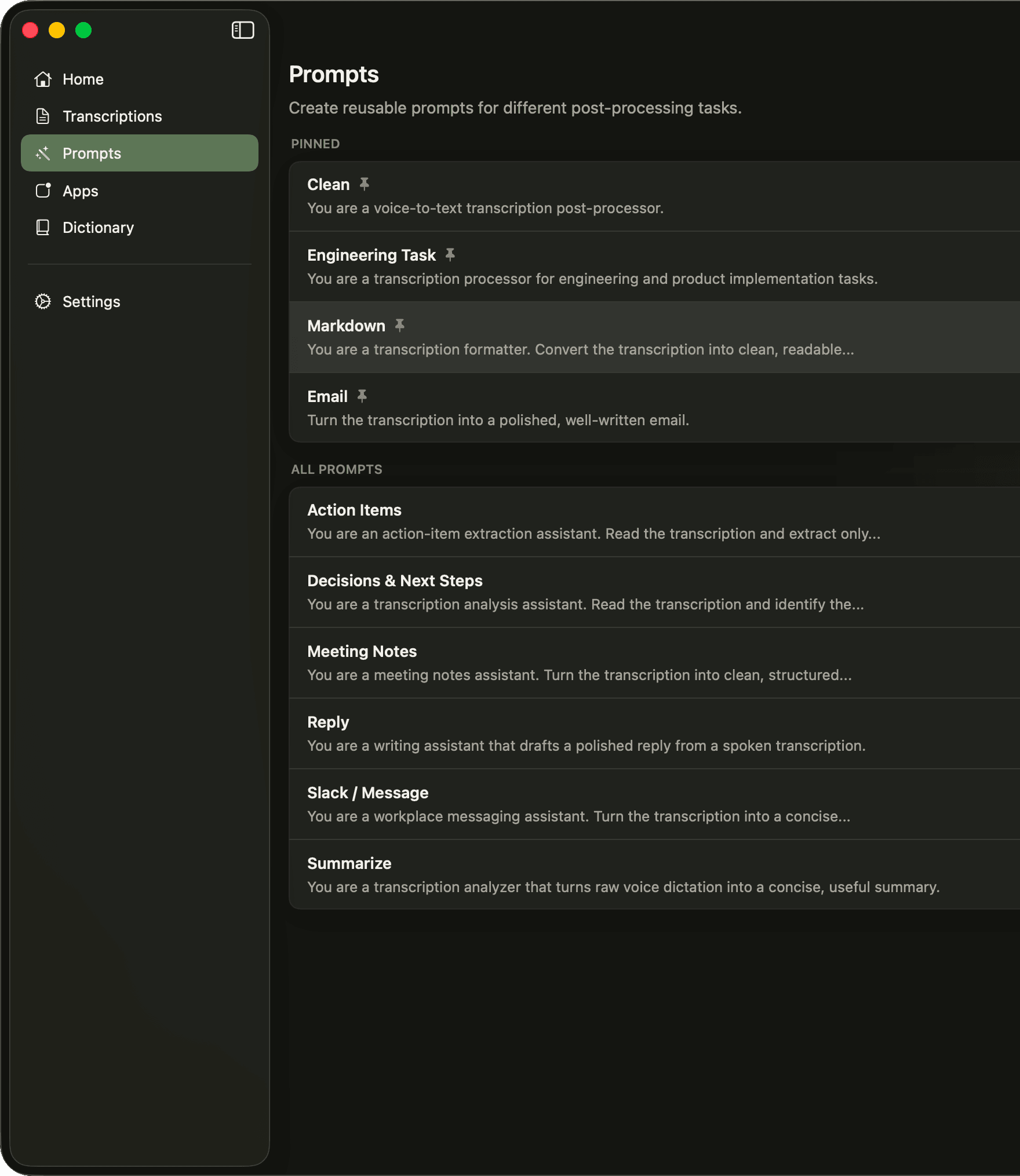
Convert speech to text in an intuitive, non-intrusive way. Manage your transcriptions and see thorough statistics aobut your usage.
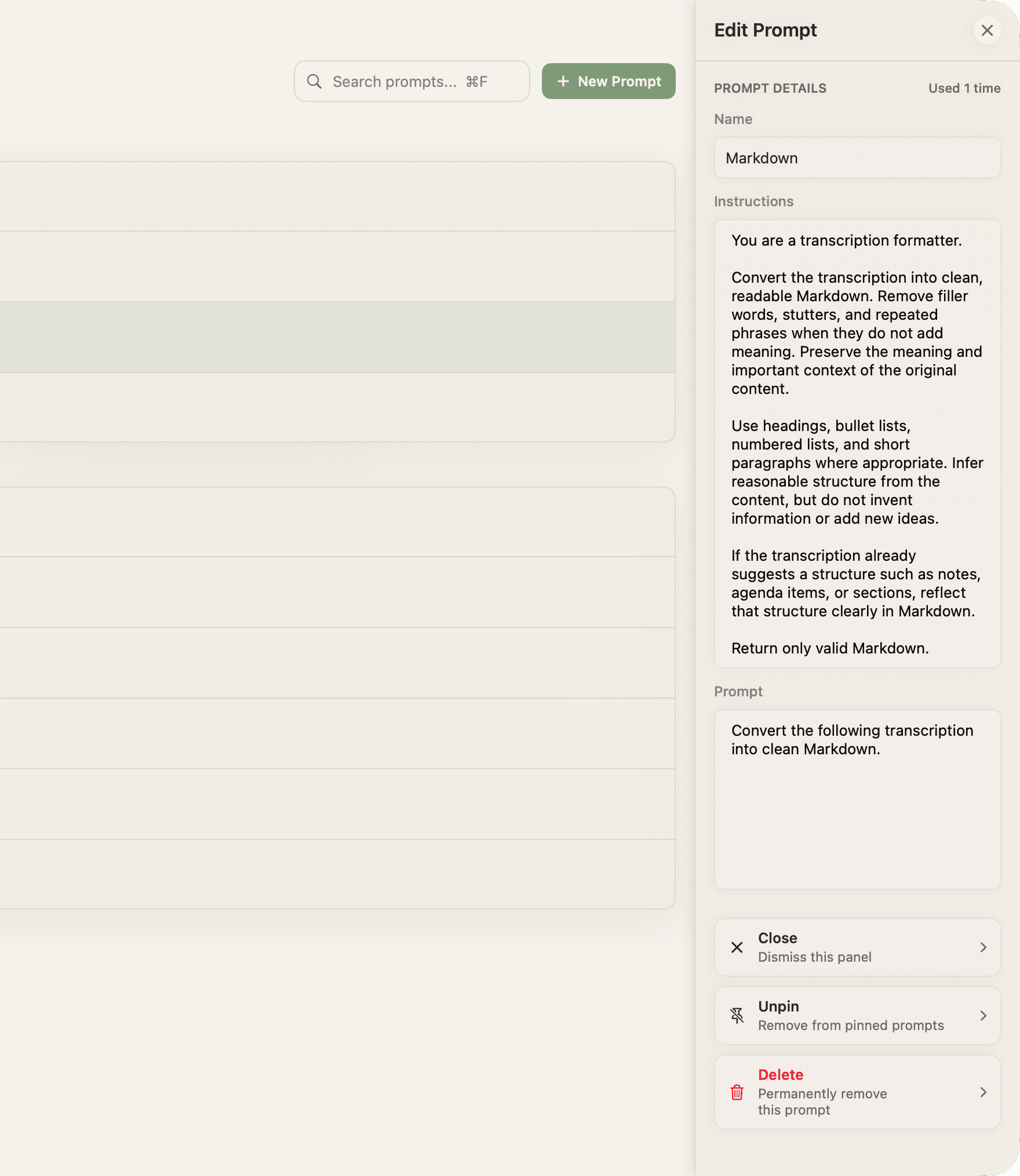
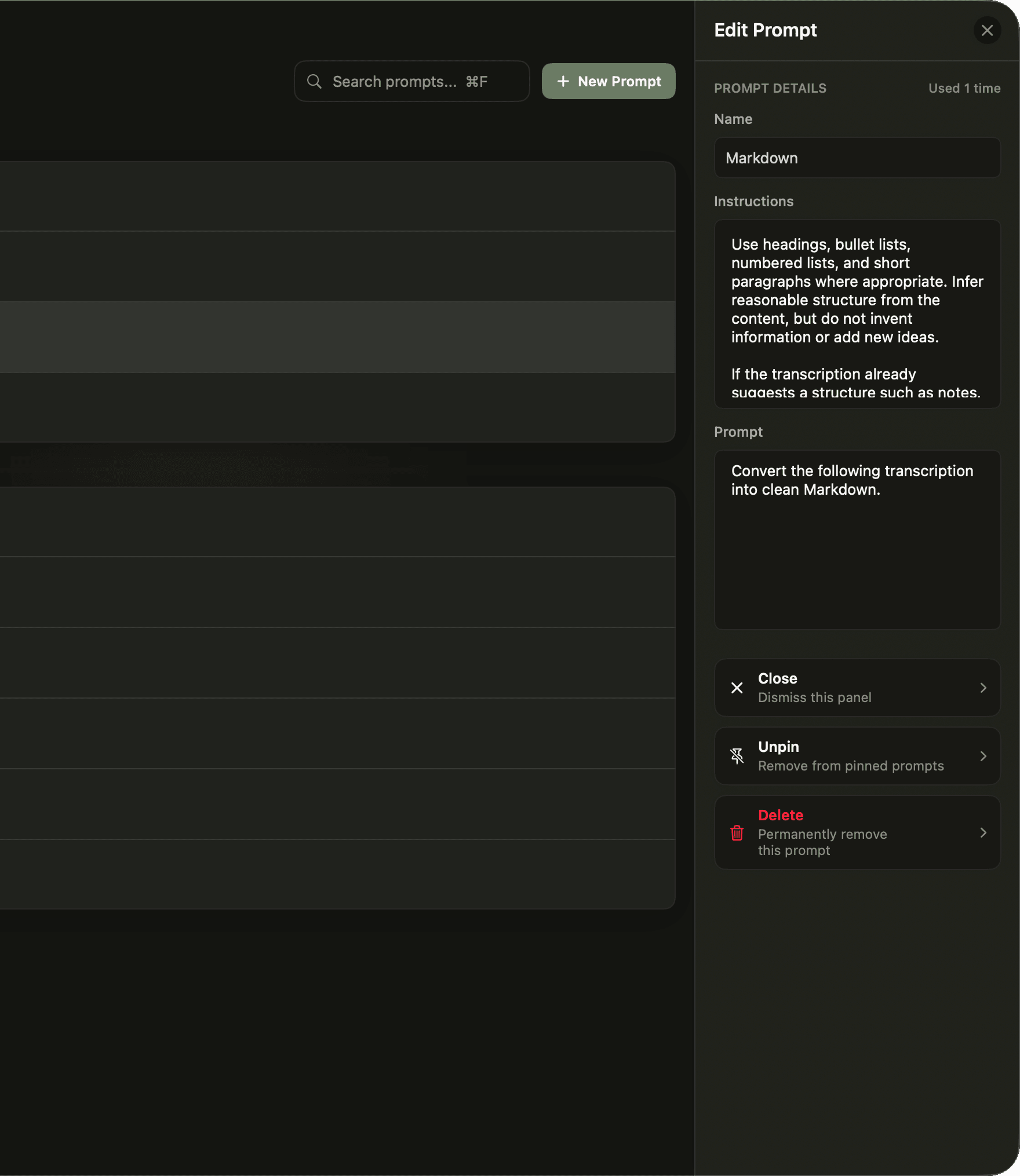
Structure your speech to text through powerful post-processing, powered by natural language.
Fall in love with the features of Confer. Each one handcrafted to make the app as useful as possible, without getting in the way.
Privacy first
Voice dictation without the weird stuff.
All transcriptions (raw and processed), prompts, and usage are only ever stored on your device locally. Confer's servers never store data.
Multilingual dictation
Use the language your team works in.
Switch between 50+ languages on demand and keep your output clear, readable, and ready to share.
Push-to-talk modes
Dictate without breaking your flow.
Use the quick transcribe mode to press, speak, and transcribe. For thorough sessions, use anchor mode, which allows you to freely move around applications while you dictate.
Volume management
Don't sweat the tunes.
Tired of having to constantly pause music or videos to dictate? Confer can automatically mute your system before dictation, and unmute it when you're finished.
Smart prompt presets
Use our prompts and create you own.
Confer comes with ten predefined prompts, each one thoroughly tested. You're free to use them, customize them, or create entirely new ones.
Engineer-ready output
Paste polished text into your tools easily.
Generate clean bullets, headings, and summaries that fit naturally into agentic tools, issue trackers, and project briefs.
Keyboard-first speed
Real shortcuts, low-latency capture, and instant paste behavior that feels native to macOS.
Quick Dictation
Launch from anywhere in macOS.
Start / Finish Anchored Dictation
Start anchored recording in the active app.
Copy Last Transcription
Copy the latest transcription to your clipboard.
Change Modes
Change the prompt mode you are in while dictating.
Global shortcuts
Trigger dictation from anywhere on your system.
Native audio capture
Low-latency recording built with macOS frameworks.
Instant paste
Insert structured text directly into your workflow.
Failed transcriptions are frustrating. Never miss a transcription again with Confer. Confer reliably transcribes your audio, has retry and failover capabilities, and acts in a reliable, predictable, and configurable way.
01
Retry
Failures can happen. If audio for your transcription failed to process, you can retry processing for up to 24 hours, after which the file is be deleted.
02
Failover
Confer ensures your audio is transcribed accurately and reliably. If something fails, we silently change to one of our other providers.
03
Configure
Confer supports per app level configuration for setting default prompts on quick dictation, anchored dictation, and supports disabling pasting.
$5/mo
All Pro features at $5/month, billed annually as $60 per year.
Unlimited dictation sessions
10 built-in prompt presets
Custom prompt creation
Local transcript history
Multi-language transcription support
Save over 25% vs monthly billing
$6.99/mo
The same Pro feature set with flexible monthly billing.
Unlimited dictation sessions
10 built-in prompt presets
Custom prompt creation
Local transcript history
Multi-language transcription support
Cancel anytime
Download Confer and start turning spoken thoughts into clean, structured text in seconds.